
October Desktop Screenshots
from  WinCustomize Forums

Stardock will be closed starting on November 26th and we will be returning November 30th. We will be monitoring support tickets and forums but expect delays in responses during this time.
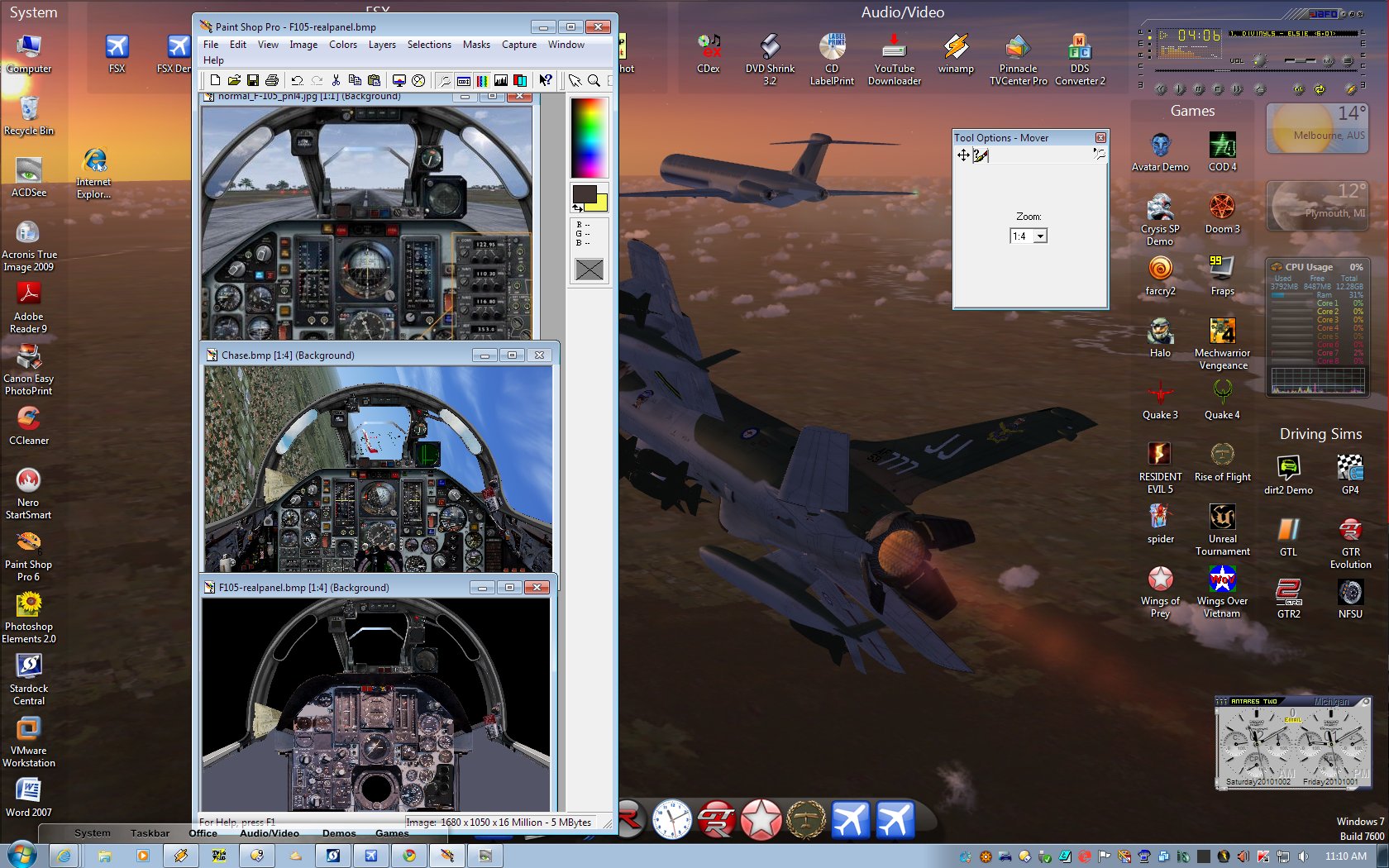
WindowBlind = Hardwired by Xiandi
DesktopX theme = Hardwired by RedneckDude
Weather Gadget = Hardwired by RedneckDude
CursorFX = Hardwired by Xiandi


glad you're enjoying Penthouse Rick.... it's an extraordinary blind.... I just don't ever tire of it.... 

I'm just monkeying around until "Trident" debuts... for Halloween, def Karen's "Zombie Outbreak". Yummie!
wba - modded alpha 7 SD Design. WSX- Jorge's W7 Xtreme, CursorFX- B2R (on the capture ss Winstep icon).

• Alloy WB - https://www.wincustomize.com/explore/windowblinds/7202/
• Alloy Winamp - https://www.wincustomize.com/explore/winamp/1689/
• Alloy Dock Backgrounds - https://www.wincustomize.com/explore/objectdock/16773/
• Windows 7 (2010) Wall - https://www.wincustomize.com/explore/bootskins/1767/


with a pretty wall by tbc...

hehehe...oh my, oh what glee!
here we have a Zombie Jamboree!

Seth...I see you're resisting the infection. How physician-like of you. 
Luvvin' it!
Got some material I'd like to send you when you get the chance...


 (looks like I need to incorporate the glyphs with the start panel images for taller menus...why didn't you alert me to that?)
Everything looks just fine to me....oh yes, m'dear...dinner is served... 
First of all, RPGFX, that's a SWEET screenshot!!
Now for mine, I always go back to Infinity Ultimate by 1MrPaul1..... 

thanks G3mpi3. By the way, how did you center the icons on your taskbar?
It's kind of a simple trick:
Sweet! That's a neat little trick. Sometimes you just have to be creative to get what you want! Thanks!
I know how to take a screen shot. I know how to send a screen shot via email. What I do not know is how to send and upload a screen shot onto this website. I know that it has been covered before but would someone please post the instructions for doing so. Or a reference to where the instructions can be found. Thank you.
Ekimragz:
LINK The link is to the Wikipedia... and the tutorial on how to do it. 
Welcome Guest! Please take the time to register with us.
Select a reason for giving karma:
You're about to visit an external site:
Sign up here to get the latest news, updates, and special offers delivered directly to your inbox.


